Eight Step Cerner FHIR Integration Checklist for Developers
· 13 min read

Eight Step Cerner FHIR Integration Checklist for Developers
Cerner (Oracle Health) exposes FHIR R4 endpoints protected by SMART on FHIR and OAuth 2.0. To integrate, discover the target instance’s .well-known/smart-configuration, register a Code Console app, then implement either a SMART launch flow for clinician-context apps or a backend JWT client_credentials flow for system-level data exports.
TL;DR:
- Most Cerner FHIR R4 servers require explicit discovery of supported resources and scopes via the CapabilityStatement before developing client applications.
- Choosing the correct OAuth 2.0 pattern, either clinician-context EHR launch or backend client credentials, depends on whether the app operates inside a workflow or independently.
- Proper registration and validation in sandbox environments are critical to prevent common mistakes like scope overreach, redirect URI mismatches, or incorrect
audparameters.- Large-scale data exports must be performed using asynchronous bulk export endpoints with system-level authentication, not simple paginated requests.
- Implementing defensive parsing that adheres to US Core profiles minimizes errors when handling variable data and missing optional elements.
Table of Contents
- Cerner (Oracle Health) FHIR R4 overview and server discovery
- SMART on FHIR and OAuth 2.0 patterns relevant to Cerner integrations
- Registering apps, sandboxing, and Code Console workflows
- Core FHIR resources, query patterns, and useful profiles for Cerner integrations
- Bulk Data Access (Flat FHIR / NDJSON) and population export patterns
- Step-by-step integration checklist (developer playbook)
- Troubleshooting, common gotchas, and performance tuning
- Publisher perspective: how MedScrub approaches Cerner integrations
- MedScrub offers a PHI-safe path for Cerner data pipelines
- Sources
- FAQ
Cerner (Oracle Health) FHIR R4 overview and server discovery
Oracle Health’s Millennium platform publishes its FHIR implementation as R4, version 4.0.1, and every conformant server advertises what it supports through a CapabilityStatement at the /metadata endpoint. That document lists supported resources, search parameters, and interaction types for the specific instance you are calling, which matters because tenant configurations vary. Responses use the application/fhir+json content type, and requests should send an Accept header matching it.
Before writing any client code, confirm the server’s shape. A typical discovery sequence looks like this:
- Call
GET {base}/metadataand checkfhirVersionequals4.0.1andrest.resourcelists the resources you need. - Call
GET {base}/.well-known/smart-configurationand read theauthorization_endpoint,token_endpoint, andregistration_endpointfields. - Confirm the
capabilitiesarray includesclient-confidential-symmetricorclient-confidential-asymmetricif you plan to run backend services. - Note the
scopes_supportedlist so your app requests only what the server actually grants.
A simple curl check against the metadata endpoint (curl -H "Accept: application/fhir+json" {base}/metadata) will return the CapabilityStatement as JSON. Verify the rest[0].security.extension block references the SMART OAuth URIs before you build anything further. Skipping this step is the single most common cause of wasted setup time, since sandbox and production tenants can expose different resource sets.
SMART on FHIR and OAuth 2.0 patterns relevant to Cerner integrations
Two OAuth 2.0 patterns cover almost every Cerner integration, and picking the wrong one early costs rework later.
EHR launch and standalone launch both use the authorization code grant. In an EHR launch, Cerner’s system launches your app with a launch parameter and an iss (issuer) value identifying the FHIR server; your app exchanges these, along with an aud parameter matching the server’s base URL, for an authorization code and then a token carrying patient and encounter context. Standalone launch skips the EHR-initiated step: your app starts the flow itself, sends the user to the authorization endpoint, and receives context after login. Use EHR launch when the app opens from inside a clinician’s workflow; use standalone launch for apps a user opens independently, such as a patient portal companion.
Backend services replace user login entirely. Registering as a confidential asymmetric client, per the SMART App Launch backend services specification, means your app holds a private key and constructs a signed JWT as its client_assertion. The token request looks like this:
- Build a JWT with
issandsubset to your client ID,audset to the token endpoint, and a short expiration. - Sign the JWT with your registered private key (RS384 or ES384).
- POST to the token endpoint with
grant_type=client_credentials,client_assertion_type=urn:ietf:params:oauth:client-assertion-type:jwt-bearer, and your signed JWT. - Receive a bearer access token scoped to
system/permissions, typically valid for a limited window. - Attach the token as
Authorization: Bearer {token}on every subsequent FHIR call.
Scopes determine what any of these tokens can actually touch. patient/Observation.read limits access to one patient’s observations under user context, user/Patient.read reflects what the logged-in clinician can see, and system/Patient.read grants backend access independent of any user session. Read scopes rarely include write access. Requesting *.write scopes without a documented need is a fast way to get an app registration rejected.
Pro Tip: Request the narrowest scope set your app actually uses. Overbroad scope requests are one of the most common reasons Code Console registrations get flagged for review delays.
Token failures usually trace to one of three things: an aud value that does not exactly match the server’s base URL, a JWT signed with the wrong key or algorithm, or a token used past its expiration. Introspecting the token response for expires_in and building refresh logic around it early avoids most production incidents.
Registering apps, sandboxing, and Code Console workflows
Every Cerner integration starts with an app registration in Code Console, Oracle Health’s developer portal. Public clients (browser-based SMART apps with no secret) and confidential clients (server-side apps and backend services holding a secret or private key) are configured differently, so decide which type your app is before starting the form.
- Provide your app’s redirect URI exactly as your code will send it: a trailing slash mismatch or
httpversushttpsdifference will cause every authorization attempt to fail. - Select the resource scopes your app needs and mark whether it requires patient context, user context, or system-level backend access.
- For backend services, upload your public key or JWK Set URL so the server can validate your signed JWTs.
- Note your assigned client ID and, for confidential clients, store the secret or private key outside source control.
Test everything in a sandbox tenant before touching production data. Cerner’s sandbox environments mirror the FHIR R4 surface of production instances with synthetic patients, and the broader SMART sandbox ecosystem gives you a second environment to validate launch flows independent of any one vendor’s test tenant. The most frequent registration mistakes are redirect URI mismatches, requesting scopes the sandbox tenant does not grant, and sending an aud parameter that points to the wrong environment (sandbox URL against a production token request, or the reverse).
Core FHIR resources, query patterns, and useful profiles for Cerner integrations
Most clinical workflows map to a small set of resources. Patient anchors demographics and identifiers, Encounter provides visit context, Observation covers vitals and labs, Condition tracks diagnoses and problem lists, and MedicationRequest (paired with Medication for drug detail) covers prescribing data. Building against these five first covers the majority of chart-summary and care-coordination use cases.
Query patterns follow standard FHIR search syntax, with a few parameters doing most of the work:
_idandidentifierfor direct lookups when you already have a system identifier.subjectorpatientto scope Observation, Condition, and MedicationRequest searches to one person._sincefor incremental pulls, useful for polling changes without re-fetching a full history._countto control page size on large result sets, paired with the returnedBundle.linkentries for pagination.
Validate your parsing logic against US Core profiles, which define must-support elements for each resource type in a US context. A Condition resource that omits clinicalStatus, for instance, is technically valid FHIR but fails US Core expectations, and defensive parsing should treat missing must-support fields as expected rather than throwing errors. When you only need a subset of fields, _elements=id,code,value trims the payload, and some Cerner endpoints support summary parameters that return counts or minimal representations instead of full resources. Both matter when you are pulling data for a mobile client or a high-volume batch job where payload size affects latency directly.
Bulk Data Access (Flat FHIR / NDJSON) and population export patterns
Pulling data one patient at a time does not scale to population-level workflows, which is what Bulk Data Access exists to solve. Oracle Health supports both Group Export, using Flat FHIR v1.0.1 to pull a defined patient cohort, and Patient Export, using the newer v2.0.0 specification for a single patient’s full record. Choose Group Export for population health or quality-reporting pipelines, and Patient Export when a single patient’s complete history is the goal.
The kick-off sequence is asynchronous:
- Send a
GETrequest to the Group or Patient export endpoint with anAccept: application/fhir+jsonheader and aPrefer: respond-asyncheader. - The server responds
202 Acceptedwith aContent-Locationheader pointing to a status polling URL. - Poll that URL until it returns
200 OKwith a manifest listing output file URLs, or202with an in-progress status. - Download each file, returned as
application/fhir+ndjson, one resource type per line-delimited file. - Discard or securely store the manifest and files according to your PHI handling policy once processing completes.
Bulk export endpoints require system-level auth: a registered backend services client with system/ scopes, following the same signed JWT client_credentials exchange used for smaller reads. There is no user context in a bulk export, since the whole point is unattended, scheduled data pulls.
Bulk exports are validated against ONC’s own SMART and Bulk Data test kits, which simulate conformant FHIR servers with SMART launch and bulk-data test cases built in. Running your export logic against that simulated server before pointing it at a real tenant catches manifest-parsing bugs early, since large exports that fail midway are expensive to retry against production.

Step-by-step integration checklist (developer playbook)
Building a Cerner integration in the right order saves rework. This sequence moves from discovery to production handover.
- Discover the instance. Fetch
/metadataand.well-known/smart-configurationfor the target tenant and confirmfhirVersionand supported scopes. - Register your app. Create a Code Console registration, choosing public or confidential client type, and record your client ID and keys.
- Implement the OAuth flow. Build authorization code handling for SMART launch apps, or JWT-signed client_credentials for backend services, matching what your use case demands.
- Call core FHIR resources. Start with
Patientand one clinical resource, verifying response shapes against US Core must-support elements. - Run sandbox tests. Use Cerner’s sandbox tenant and the ONC certification test kit to validate SMART launch sequences and, if relevant, bulk export flows against a simulated conformant server.
- Validate against the CapabilityStatement. Re-check
/metadatafor the resources and search parameters you actually use, not just what you assumed at design time. - Load and performance test. Exercise paging, rate limits, and bulk export polling under realistic volumes before go-live.
- Sign off for production. Confirm redirect URIs, scopes, and keys match the production Code Console registration, separate from sandbox credentials.
A minimal token exchange for backend services, once your JWT is built and signed, is a single POST:
POST {token_endpoint}
Content-Type: application/x-www-form-urlencoded

grant_type=client_credentials
client_assertion_type=urn:ietf:params:oauth:client-assertion-type:jwt-bearer
client_assertion={signed_jwt}
The response carries access_token, expires_in, and scope, confirming exactly what the server granted, which may be narrower than what you requested.
Pro Tip: Keep sandbox and production client IDs in separate configuration files from day one. Teams that share one config across environments consistently ship the wrong aud value at least once.
Testing should layer three levels: unit tests with mocked FHIR responses for fast iteration, end-to-end sandbox runs against Cerner’s real test tenant for integration confidence, and ONC test kit validation for anything that touches SMART launch or bulk data, since that kit’s simulated server catches conformance gaps that a friendly sandbox tenant might not.
Troubleshooting, common gotchas, and performance tuning
Most integration failures fall into a handful of repeatable categories.
- Auth errors: an
audvalue that does not exactly match the server’s base URL, a JWT signed with the wrong algorithm, or clock skew between your server and Cerner’s causing “token not yet valid” rejections. - Large result sets: paging with
_countavoids timeouts on individual queries, but sustained high-volume pulls belong in a bulk export job, not a loop of paginatedGETrequests. - Rate limits: back off exponentially on
429responses rather than retrying immediately, which only extends any throttling window. - Data mapping mismatches: terminology differences between what a tenant sends and what your app expects call for defensive parsing rather than assuming every optional field is populated.
Caching PHI locally, if you do it at all, should happen behind encryption at rest and a defined retention window, never as an unbounded local store.
Publisher perspective: how MedScrub approaches Cerner integrations
Most Cerner integration guidance stops at the token exchange and leaves PHI handling as someone else’s problem. That gap is where a lot of production incidents actually happen, not in the OAuth flow. MedScrub’s approach treats de-identification as a step that happens before data ever reaches a downstream model or analytics pipeline, running on-device rather than assuming a cloud intermediary is trustworthy by default. The developer-facing API is built to sit alongside standard SMART and backend services patterns rather than replace them, which matters for teams who already have working OAuth flows and just need a safer place to send the output. The eSpiral case study is one example of this pattern in practice, where PHI stayed on the local machine throughout processing rather than transiting to a third-party service.
— Clint
MedScrub offers a PHI-safe path for Cerner data pipelines
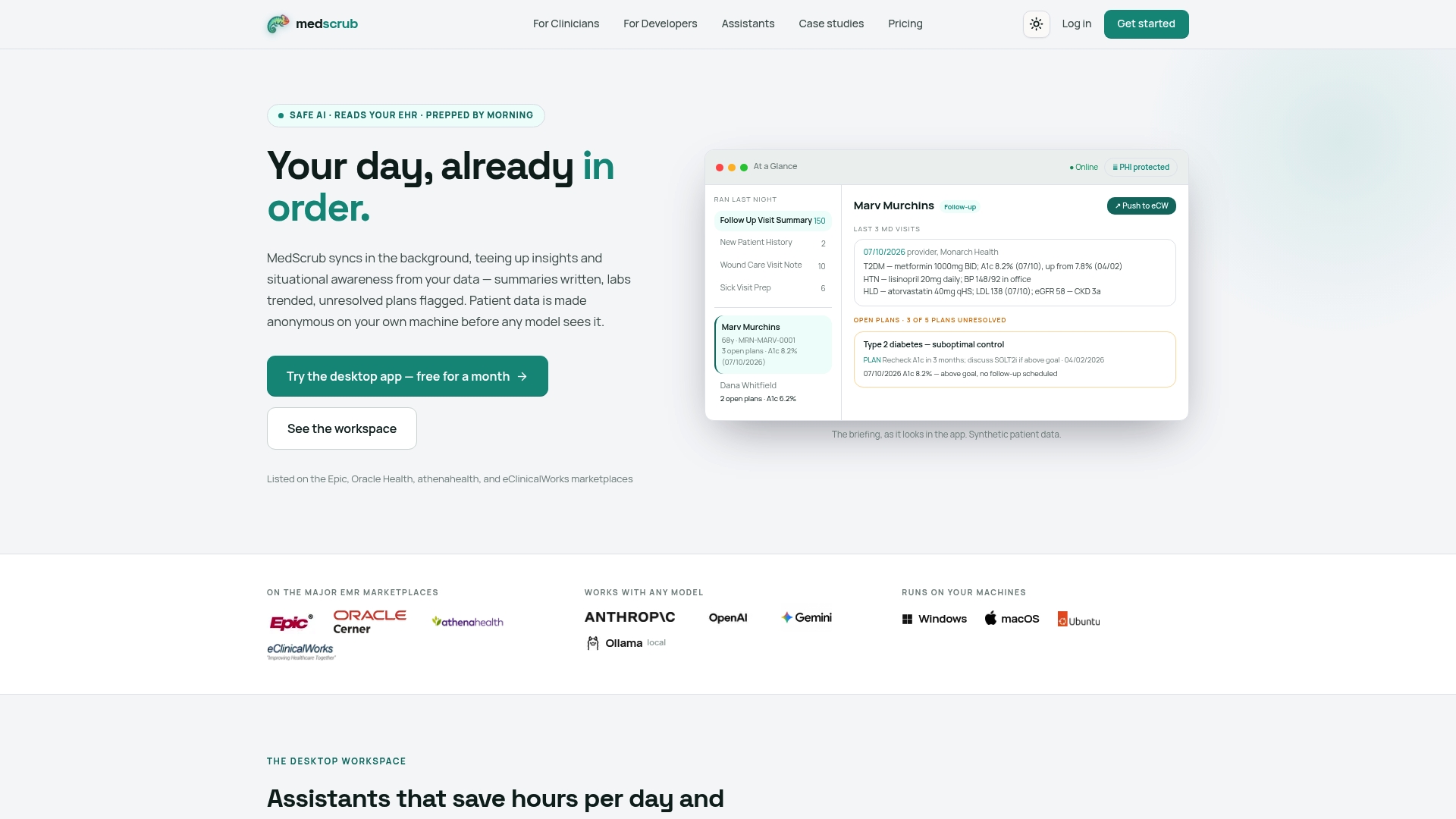
Once your OAuth flow and FHIR queries are working, the next question is what happens to that patient data downstream. MedScrub runs on-device anonymization before any AI processing touches it, so teams building on Cerner data can add automated summaries, reminders, or chart-aware features without sending raw PHI to a third party.
For developers, the developer API is built to slot into an existing SMART or backend services pipeline. Clinics and practices evaluating the full product can check current plans and subscription details on the pricing page. Teams with larger deployment needs can request Enterprise details directly.
Sources
FAQ
Why are hospitals leaving Cerner?
This article does not cover market-share trends or hospital switching decisions, since that is a business question separate from the technical integration patterns discussed here. Developers evaluating Cerner (Oracle Health) integrations should focus on the FHIR R4 and SMART capabilities documented in the Oracle Health API reference rather than adoption trends.
What is a FHIR integration?
A FHIR integration connects an external application to an electronic health record system using the FHIR R4 standard, typically authenticated through SMART on FHIR and OAuth 2.0. It lets an app read or write clinical data such as patients, observations, and medications through a common, standardized API instead of a proprietary interface.
What is the difference between HL7 and FHIR?
HL7 is the standards organization, and FHIR is one of the data exchange standards it publishes, alongside older standards like HL7 v2 messaging. FHIR uses RESTful APIs and JSON or XML resources, which makes it far easier for modern web and mobile apps to integrate against than the older messaging-based HL7 v2 format.
What are the disadvantages of FHIR?
FHIR implementations vary by vendor and even by tenant, so a CapabilityStatement check is necessary before assuming any given server supports the resources or search parameters your app needs. Bulk operations and write access are also more restricted than read access in many deployments, and scope negotiation can add setup overhead compared to a simpler proprietary API.


