Pass OCR: 5 Steps to HIPAA Threat Modeling for Security Teams
· 11 min read

Pass OCR: 5 Steps to HIPAA Threat Modeling for Security Teams
Threat modeling is what turns a HIPAA risk analysis from a checklist into evidence that will hold up under an OCR review. HIPAA’s Security Rule at §164.308(a)(1)(ii)(A) requires an “accurate and thorough” assessment of risk to electronic protected health information (e-PHI), and a static questionnaire rarely gets you there. Start this week: inventory every place e-PHI lives, draw the data flow diagrams, run STRIDE against them, and write down every mitigation decision with a name and a date attached.
TL;DR:
- Threat modeling requires detailed inventory of all e-PHI assets, data flow diagrams, and threat registers with likelihood and impact assessments.
- Incorporating threat modeling into the SDLC and vendor contracts ensures ongoing risk management when architecture or vendors change.
- Using frameworks like STRIDE for applications and PASTA for complex systems helps identify concrete threats across trust boundaries in evolving architectures.
- Documentation must include current e-PHI inventory, updated data flow diagrams, threat registers, and mitigation logs to satisfy OCR review standards.
- Tools like Medscrub can reduce data flows needing threat modeling by anonymizing PHI locally, but they are not substitutes for comprehensive risk assessments.
Table of Contents
- What Threat Modeling Means for HIPAA Risk Analysis
- The HIPAA Threat-Modeling Process, Step by Step
- STRIDE, PASTA, and DFDs: Choosing the Right Framework
- Building Threat Modeling Into the SDLC and Vendor Management
- What OCR Auditors Expect to See in Your Documentation
- SRA Tool vs. Technical Threat Modeling: Using Both Correctly
- Where Most HIPAA Threat-Modeling Programs Break Down
- Reducing Your Attack Surface With Compliance-Aware Tooling
- Sources
- FAQ
What Threat Modeling Means for HIPAA Risk Analysis
Threat modeling is a structured way of asking three questions about a system: what can go wrong, how likely is it, and what are we doing about it. That’s different from the typical administrative security risk assessment (SRA), which walks through policy questions like “do you have a password policy?” without ever looking at how data actually moves through your EHR integrations, backup jobs, or mobile apps.
HHS guidance on risk analysis doesn’t mandate one methodology, but it does require identifying every e-PHI source, mapping how that data flows, and documenting the threats and vulnerabilities you reasonably anticipate. A technical threat model produces exactly that evidence, at a level of detail a policy checklist can’t reach.
What auditors actually want to see out of this work:
- A current inventory of e-PHI across systems, endpoints, and vendors
- Data flow diagrams showing where PHI crosses trust boundaries
- A threat register with likelihood and impact ratings
- A documented rationale for each accepted, mitigated, or transferred risk
The HIPAA Threat-Modeling Process, Step by Step
Good HIPAA threat modeling follows a repeatable sequence. Skipping steps is how organizations end up with a risk analysis that looks thorough on paper but misses the system that actually gets breached.
- Identify every e-PHI asset. List EHR databases, backup repositories, laptops, mobile devices, fax gateways, and any vendor system that touches patient data.
- Map data flows and trust boundaries. Build a data flow diagram (DFD) showing how PHI moves between users, applications, databases, and external services.
- Enumerate threats with STRIDE. For each element and interaction in the DFD, ask whether it’s exposed to spoofing, tampering, repudiation, information disclosure, denial of service, or elevation of privilege, following the approach outlined in the CMS Threat Modeling Handbook.
- Assess likelihood and impact. HHS permits qualitative, quantitative, or hybrid scoring; a hybrid model, using narrative likelihood tiers alongside a numeric severity score for technical vulnerabilities, tends to satisfy both compliance reviewers and engineering teams.
- Prioritize, assign, and document. Rank risks, assign an owner and a target remediation date to each one, and revisit the model whenever the architecture changes.
Pro Tip: Don’t wait for the annual review cycle to update your threat model. Trigger a fresh pass any time you add an integration, migrate a database, or onboard a new vendor. HHS treats risk analysis as an ongoing obligation, not a once-a-year form.
STRIDE, PASTA, and DFDs: Choosing the Right Framework
STRIDE is the workhorse for most HIPAA-covered systems because it maps cleanly onto DFD elements and produces the kind of itemized threat list auditors expect. Applied to a typical clinical system, STRIDE surfaces concrete scenarios:
- Spoofing: A clinician’s credentials get reused from a phished session to access the EHR API without multifactor authentication.
- Information disclosure: A misconfigured cloud storage bucket exposes de-identified files that weren’t actually de-identified correctly.
- Tampering: An attacker with network access modifies lab result values in transit between a lab interface engine and the EHR.
STRIDE works well for a single application or service boundary. When you’re dealing with a sprawling cloud architecture with dozens of microservices, third-party APIs, and clinician-facing mobile apps, PASTA (Process for Attack Simulation and Threat Analysis) or attack trees give you a way to trace an attacker’s path from initial access to PHI exfiltration across multiple systems rather than one at a time.
Whichever framework you pick, your DFD needs to show every trust boundary where PHI crosses from one control domain to another, label data stores that hold PHI at rest, and stay current enough that an auditor reviewing it a year later still recognizes the system.

Building Threat Modeling Into the SDLC and Vendor Management
Threat modeling that happens once, after a system ships, mostly documents risks you can no longer afford to fix. The CMS Threat Modeling Handbook recommends inserting checkpoints early and often across the software development lifecycle, and doing it early is generally cheaper than retrofitting controls after launch.
Practical checkpoints that work in most healthcare engineering shops:
- Requirements phase: identify what e-PHI the new feature will touch before a line of code is written.
- Design review: threat model the proposed architecture, not the finished product.
- Pre-release gate: revalidate the model against what was actually built.
- Major change: any new integration, vendor, or data flow triggers a re-review.
Third-party dependencies are where most threat models fall apart; partnering with external experts for security testing can help integrate threat modeling effectively into development lifecycles, as outlined in the security services from Earthshaker Security. Vendors frequently treat their internal architecture as proprietary and won’t hand over a network diagram. Ask for a software bill of materials (SBOM) or an architecture diagram anyway; when a vendor refuses, document the compensating controls and monitoring you’re relying on instead, and record that decision the same way you’d record any other risk acceptance.
Pro Tip: Add SBOM and architecture-disclosure requirements to your vendor contract templates now, before the next procurement cycle. Retrofitting this language into an existing BAA is far harder than negotiating it up front.
What OCR Auditors Expect to See in Your Documentation
An accurate and thorough risk analysis has to be provable, not just performed. If your threat-modeling work exists only in someone’s head or a stale slide deck, it doesn’t count for much during a review.
- e-PHI inventory showing every system, device, and vendor that touches patient data, kept current.
- Data flow diagrams with trust boundaries clearly marked and a revision date on each one.
- A threat register listing each identified threat, its likelihood and impact rating, and the framework used to generate it (STRIDE, PASTA, or another documented method).
- A mitigation decision log recording who owns each risk, what control addresses it, the target date, and whether the risk was accepted, transferred, or remediated.
Note which rating method you used and stay consistent with it across cycles; switching between qualitative and quantitative scoring without explanation makes your risk register look arbitrary to a reviewer. Retain this documentation per your organization’s records policy, and treat any incident, architecture change, or new integration as a trigger to update the model rather than waiting for the next scheduled cycle, consistent with HHS’s expectation that risk analysis is ongoing.
SRA Tool vs. Technical Threat Modeling: Using Both Correctly
The HHS/ONC SRA Tool is a free desktop application built to walk small and medium providers through an administrative security risk assessment. It’s genuinely useful for documenting policies, workforce training records, and physical safeguards, and it generates a Risk Report you can hand to an auditor.
What it doesn’t do is model your actual system architecture. The SRA Tool’s own user guide instructs organizations to document threats it doesn’t cover separately, which is a tacit admission that it isn’t built for architecture-level analysis. Treat it as one input, not the whole risk analysis.
A complete program pairs the SRA Tool with engineering artifacts:
- A DFD template your engineering team actually maintains
- A threat register tied to your STRIDE or PASTA analysis
- A mitigation tracker linking each risk to a control and an owner
- An SBOM request template for vendor onboarding
Where Most HIPAA Threat-Modeling Programs Break Down
Most checkbox-style SRA programs fail not because the questions are wrong, but because they never touch the architecture. You can answer every administrative question correctly and still miss the misconfigured storage bucket or the vendor API with no rate limiting.
The fix isn’t complicated: require a threat-model update every time the architecture changes, put SBOM and diagram requirements into vendor contracts before signature, and tie mitigation line items to actual budget line items so “we’ll fix it later” has a deadline attached. Programs that treat threat modeling as an annual PDF instead of a living document are the ones that get caught flat-footed during a breach investigation.
— Clint
Reducing Your Attack Surface With Compliance-Aware Tooling
One of the fastest ways to shrink a HIPAA threat model is to cut down how much raw PHI ever leaves a clinician’s machine in the first place. Medscrub anonymizes PHI on-device before any AI processing happens, which removes an entire category of data flows and trust boundaries you’d otherwise have to threat model, document, and defend.
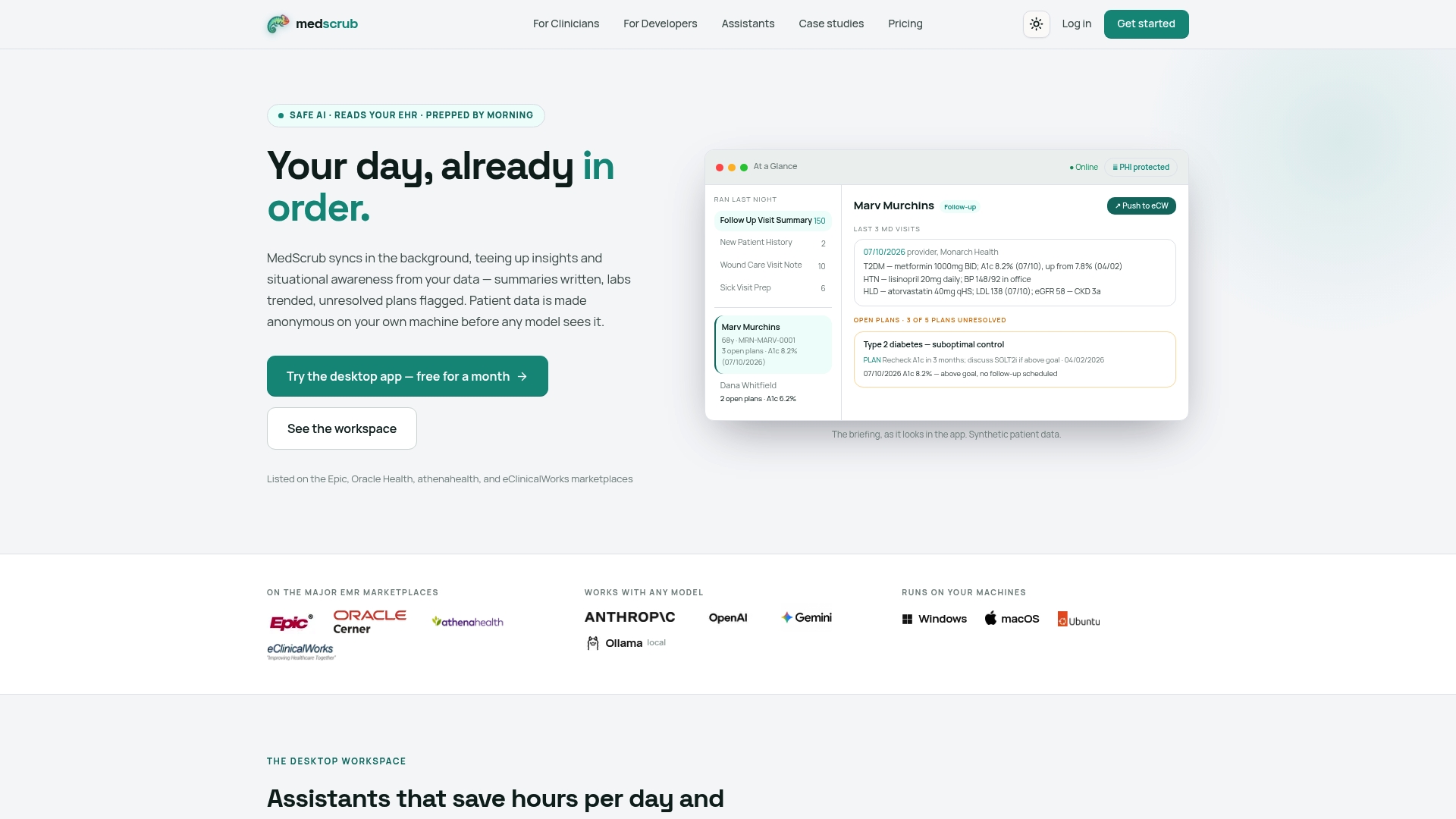
That matters differently depending on who you are. Clinic managers and physicians evaluating EMR-adjacent tools should look at how Medscrub works for physicians syncing with Epic, Oracle Health, athenahealth, and eClinicalWorks while keeping identifiable data local. Developers building PHI-aware integrations have a narrower problem: how do you get FHIR-shaped data into an AI workflow without expanding your BAA footprint? The developer PHI-proxy documentation walks through reversibly de-identified access built for exactly that case. If you want to see how this plays out with an actual EMR integration, the eSpiral case study shows the on-device anonymization approach in practice. Plans start at the Solo tier for $99 per month, with per-seat Practice pricing at $89 per month per seat; check the full pricing page to compare tiers against your team’s threat model and see which one fits your risk profile.
Sources
For the underlying compliance requirements, see HHS guidance on risk analysis, the CMS Threat Modeling Handbook, the SRA Tool User Guide, and NIST SP 800-66 for supporting risk-analysis definitions.
- Hhs
- CMS Threat Modeling Handbook | CMS Information Security and Privacy Program
- SRA Tool User Guide v3.6.1
FAQ
What Are the Five Steps of Threat Modeling?
Most HIPAA-focused threat modeling follows five steps: identify e-PHI assets, map data flows with a DFD, enumerate threats using a framework like STRIDE, assess likelihood and impact, and prioritize mitigations with assigned owners. The CMS Threat Modeling Handbook frames this as an iterative cycle rather than a one-time exercise.
What Are the New HIPAA Security Rules for 2026?
HIPAA’s Security Rule itself hasn’t changed its core structure, but OCR continues to emphasize that risk analysis must be accurate, thorough, and ongoing rather than an annual formality, per HHS’s own risk analysis guidance. Organizations should treat any architecture change, new vendor, or security incident as a trigger to update their risk analysis and threat models.
What Are Some Examples of Threat Modeling in Healthcare?
Common healthcare examples include spoofed clinician credentials granting unauthorized EHR access, a misconfigured cloud storage bucket exposing patient records, and tampering with lab results in transit between systems. Mobile and telehealth threat models also flag device-level risks and recommend mitigations like multifactor authentication and encryption, as detailed in HHS guidance on mobile health threat modeling.
What Are the Seven Stages of PASTA Threat Modeling?
PASTA (Process for Attack Simulation and Threat Analysis) is a seven-stage methodology used for complex, multi-system architectures where a simple STRIDE pass isn’t enough to trace an attacker’s full path to PHI. It’s typically reserved for cloud-native healthcare platforms with many interconnected APIs, where attack-path simulation adds value beyond a single DFD.
Does Medscrub Help With HIPAA Threat Modeling?
Medscrub reduces the scope of what needs to be threat modeled by anonymizing PHI on-device before any AI processing occurs, which limits the data flows that cross trust boundaries in the first place. It’s not a substitute for a full risk analysis, but it’s a relevant control to document when mapping mitigations for clinician-facing AI workflows.


